Home > Software > Tools > AI > Claude Desktop

Details
- Package ID
- claude
- Version
- 5.1231.2
- Downloads
- 121648
- Website
- https://claude.ai/download
Summary
Anthropic's Claude Desktop Application
Description
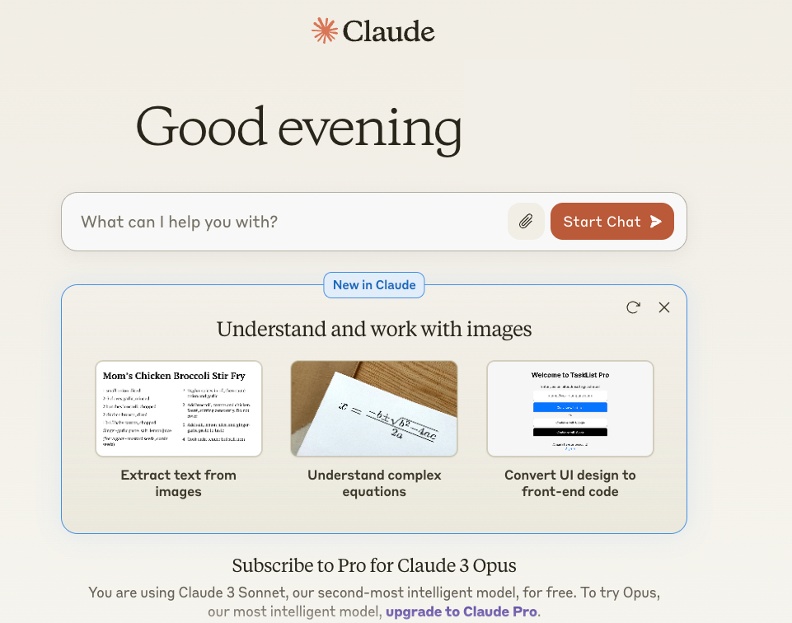
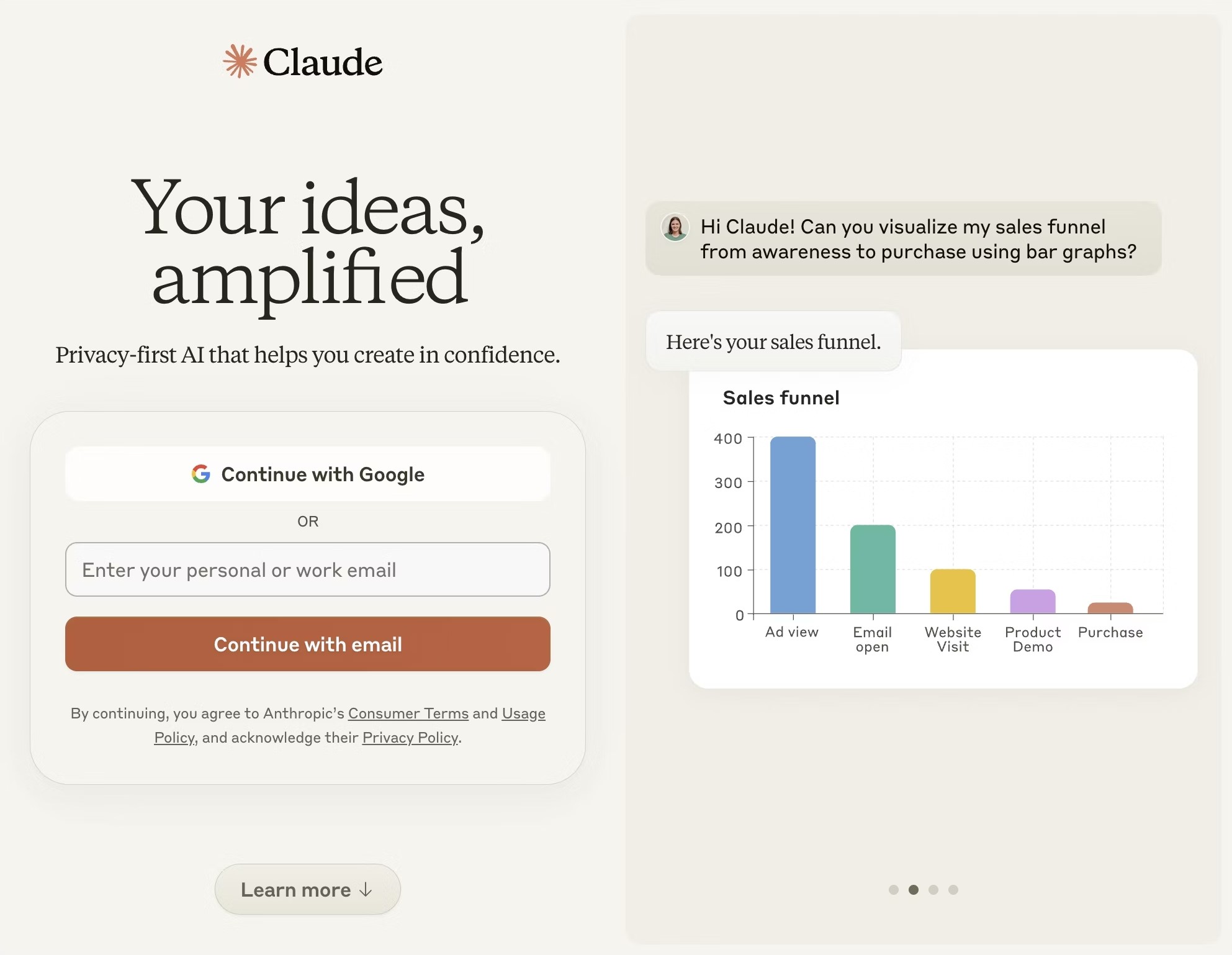
Your AI partner on desktop. Fast, focused, and designed for deep work. Talk to Claude, anywhere you go.
Claude is a desktop application that helps you focus on your work. It’s designed to be fast, focused, and to help you get more done.
Claude is built on top of the latest AI models from Anthropic, including access to Anthropic’s newest and smartest model.
Do more on your PC with Claude:
- Instant answers—Use the [Control + Alt + Space] keyboard shortcut for faster access to Claude
- Stay productive—Keep Claude easily accessible next to your open apps with the companion window
- Upload files and photos—Summarize and analyze multiple documents
Package Notes
By default this package installs the MSIX build that Anthropic recommends for managed deployments. It is installed for all users on the machine (administrator rights are required, which Chocolatey already has) and includes the background service that Cowork needs. Windows 10 version 2004 (build 19041) or later is required. On ARM64 Windows the ARM64 build is installed.
Package Parameters
/Legacy- install the previous per-user installer (Squirrel) instead of the MSIX. Cowork is not available with it. It is used automatically on Windows builds older than 19041 (Windows 10 2004), which cannot install the MSIX./DisableAutoUpdates- set Claude’sdisableAutoUpdatespolicy so that Chocolatey manages the version (MSIX only)./EnableVirtualizationPlatform- enable the Windows Virtual Machine Platform that Cowork needs, if it is not already enabled; restart Windows afterwards (MSIX only).
Example: choco install claude --params "'/DisableAutoUpdates /EnableVirtualizationPlatform'"
Switching between the two installers does not remove the other one: if you install with or without /Legacy over an existing install, both stay installed. Uninstalling the package removes both.