Home > Software > System > Desktop > TaskbarX

Details
- Package ID
- taskbarx
- Version
- 1.7.8.0
- Downloads
- 10878
- Website
- https://chrisandriessen.nl/taskbarx
Summary
Center Windows taskbar icons with a variety of animations and options.
Description
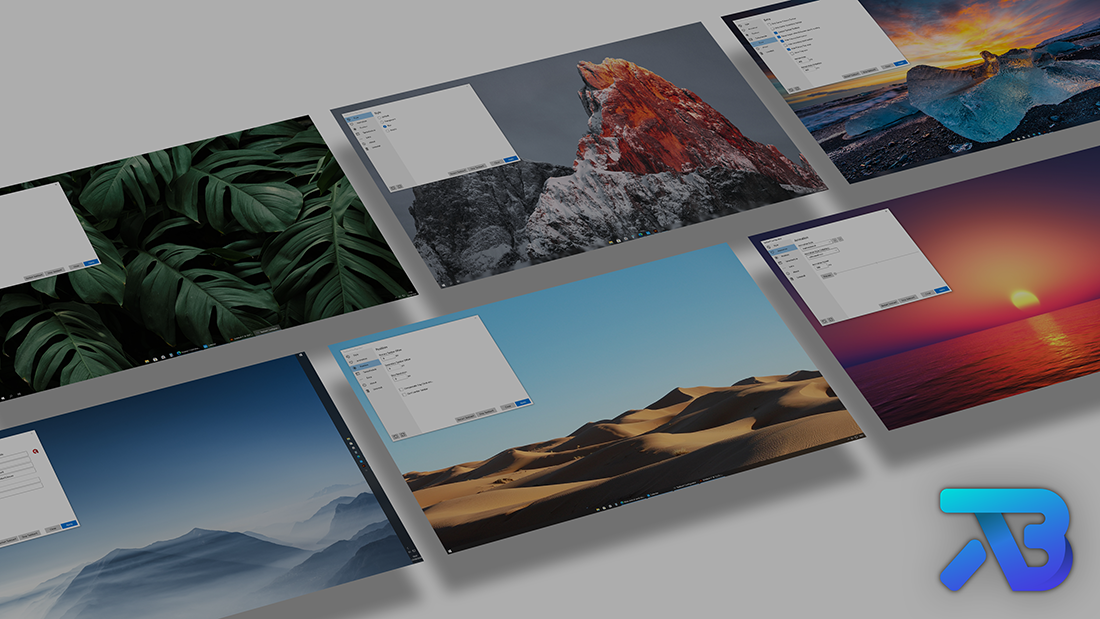
TaskbarX gives you control over the position of your taskbar icons. TaskbarX will give you an original Windows dock like feel. The icons will move to the center or user given position when an icon gets added or removed from the taskbar. You will be given the option to choose between a variety of different animations and change their speeds. The animations can be disabled if you don’t like animations and want them to move in an instant. The center position can also be changed to bring your icons more to the left or right based on the center position. Currently all taskbar settings are supported including the vertical taskbar and unlimited taskbars. TaskbarX has been in development since 6 may 2018. Also known as FalconX and Falcon10.

Features
- 42 different Animations including “none”
- Great performance (Very optimized and lightweight looping)
- Change animation speed
- Change custom offset position based on center
- Center between startbutton, search, taskview etc… and left tray icons, clock etc…
- All taskbar settings supported
- Vertical taskbar supported
- Unlimited monitors supported
- Change taskbar style to Transparent, Blur and Acrylic
- Change taskbar color and transparency
- Hide Start button and more…
Commandline Arguments
-stop will stop TaskbarX, puts all icons back to the left and resets the taskbar style.
-tbs=1 will make the taskbar transparent. 2 blur, 3 acrylic, 4 transparent (with gradient), 5 opaque and 0 is disabled.
-ptbo=0 will set the offset of the primary taskbar based on the center.
-stbo=0 will set the offset of the secondary taskbar based on the center.
-cpo=1 will only center the primary taskbar. 0 is disabled.
-cso=1 will only center the secondary taskbar(s). 0 is disabled.
-as=backeaseout will set the animation style to BackEaseOut. “none” is instant.
-asp=500 will set the speed of the animation.
-lr=400 will set the refresh rate of the looper/taskbar checker.
-cib=1 will set the primary taskbar position in between start, search etc… and the tray.
-ftotc=1 will update any toolbar when a tray icon gets added or removed.
-sr=1920 will put the icons to the left when screen width becomes 1920px.
-sr2=1920 will put the icons to the left when screen width becomes 1920px.
-sr3=1920 will put the icons to the left when screen width becomes 1920px.
-cfsa=1 will pause TaskbarX if a fullscreen app is running.
-obas=backeaseout will set the animation style to BackEaseOut when on battery mode.
-oblr=400 will set the refresh rate of the looper/taskbar checker when on battery mode.
-dct=1 will stop TaskbarX from centering the taskbar icons.
-hps=1 will hide the start button on the primary monitor.
-hss=1 will hide the start button on the secondary monitor.
-hpt=1 will hide the tray area on the primary monitor.
-hst=1 will hide the tray area on the secondary monitor.
-sti=1 will show a tray icon to quickly restart and stop TaskbarX.
-dtbsowm=1 will revert to the default taskbar on maximized window.
-tpop=100 will set the total opacity of the primary taskbar.
-tsop=100 will set the total opacity of the secondary taskbar.
-rzbt=1 will revert the taskbar back to the left when the icons start overlapping with the Tray area.
-color=0;0;0;1 will set the color of the taskbar when using taskbar styling. RGBA.
Example: C:\Program Files (x86)\TaskbarX\TaskbarX.exe -tbs=1 -as=backeaseout