Home > Software > Network > Network Tools > Flying Carpet

Details
- Package ID
- flyingcarpet
- Version
- 10.0.1
- Downloads
- 3071
- Website
- https://github.com/spieglt/FlyingCarpet
Summary
Encrypted file transfer over ad hoc WiFi. No network infrastructure required, just two laptops in close range. Linux, Mac, and Windows.
Description
Send and receive files between Android, iOS, Linux, macOS, and Windows over ad hoc WiFi. No shared network or cell connection required, just two devices with WiFi chips in close range.
Don’t have a flash drive? Don’t have access to a wireless network? Need to move a file larger than 2GB between different filesystems but don’t want to set up a network share? Try it out!
Screenshots:
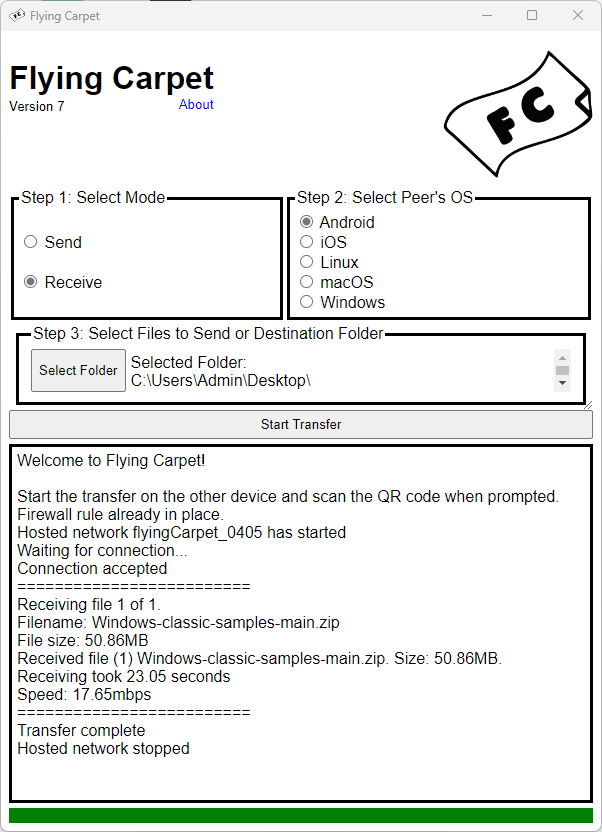

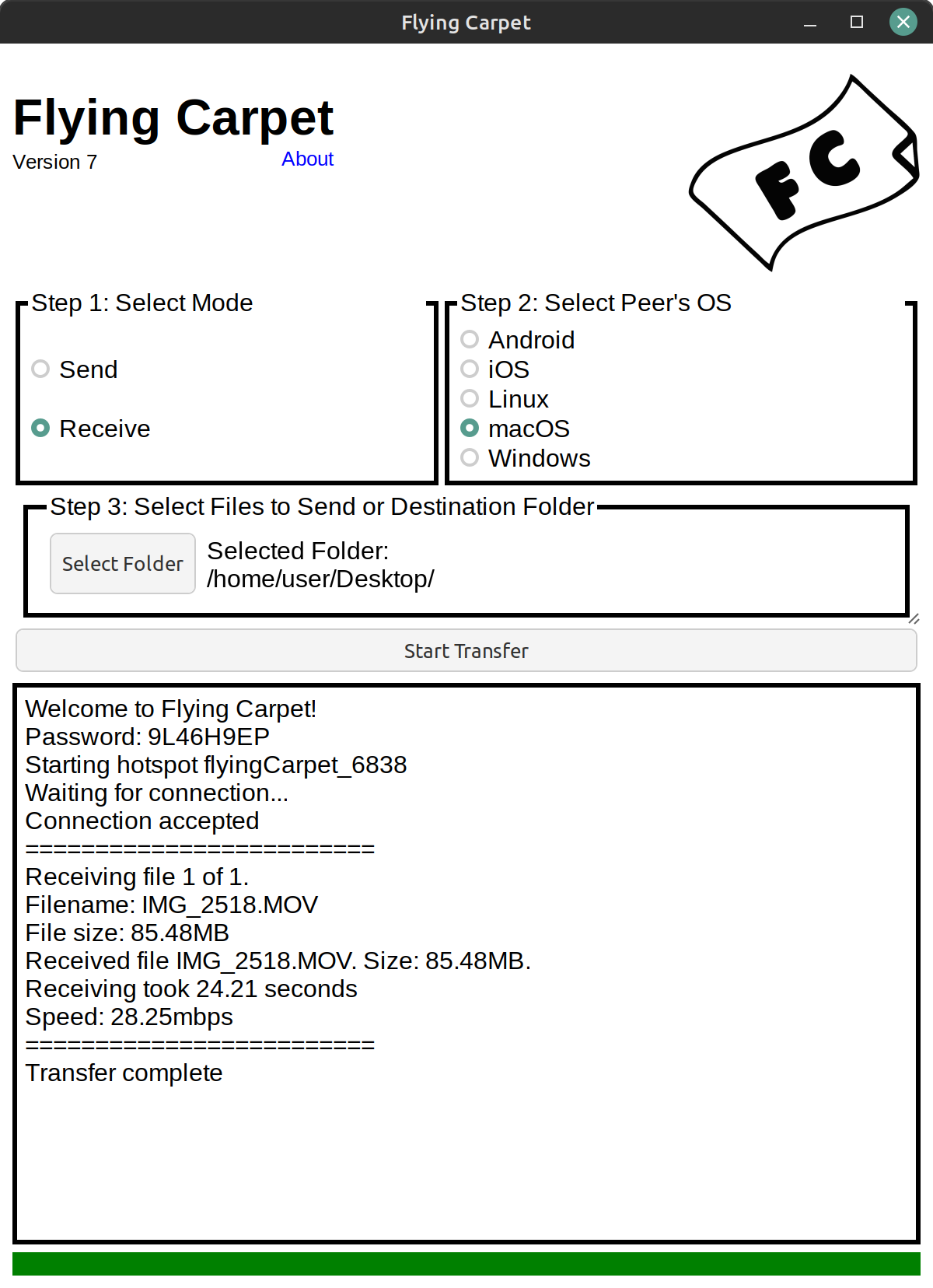
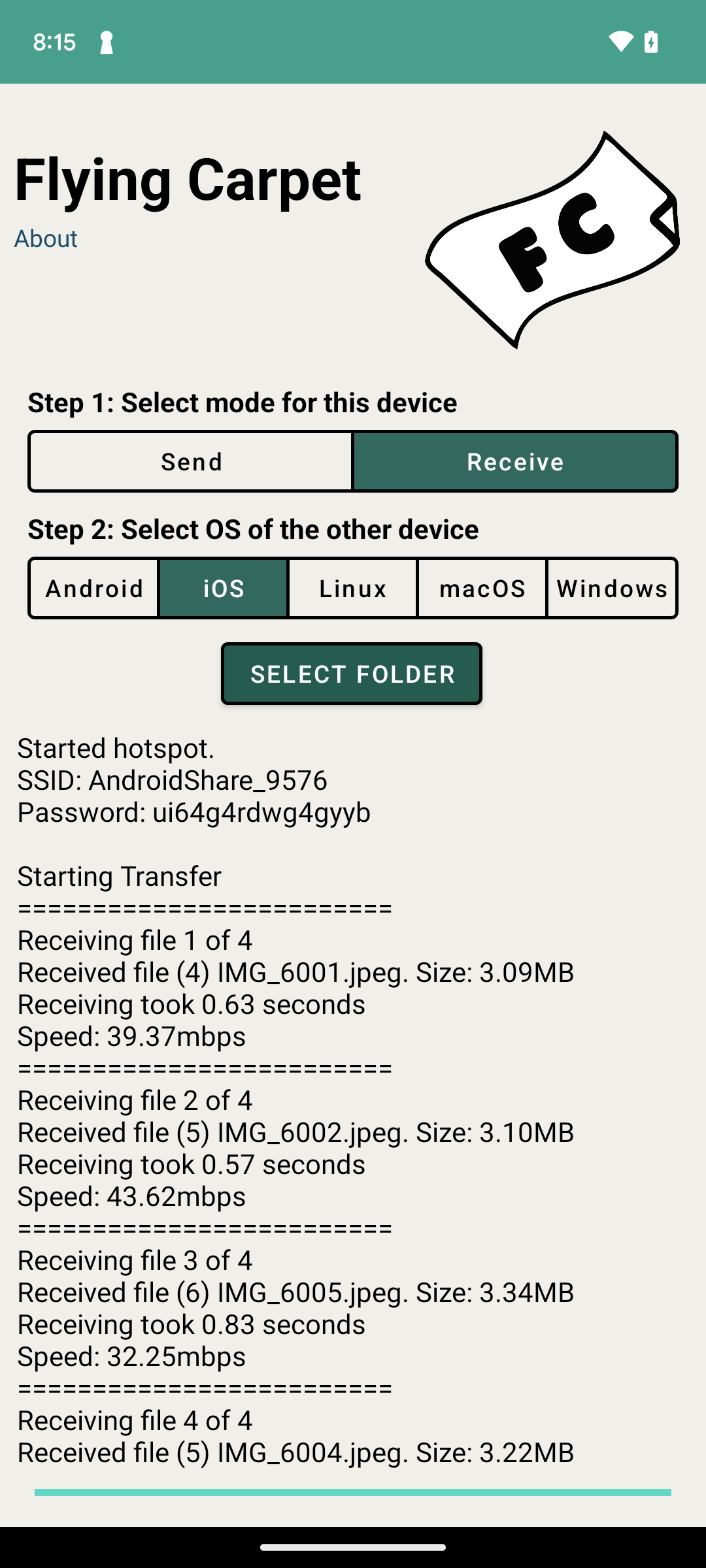
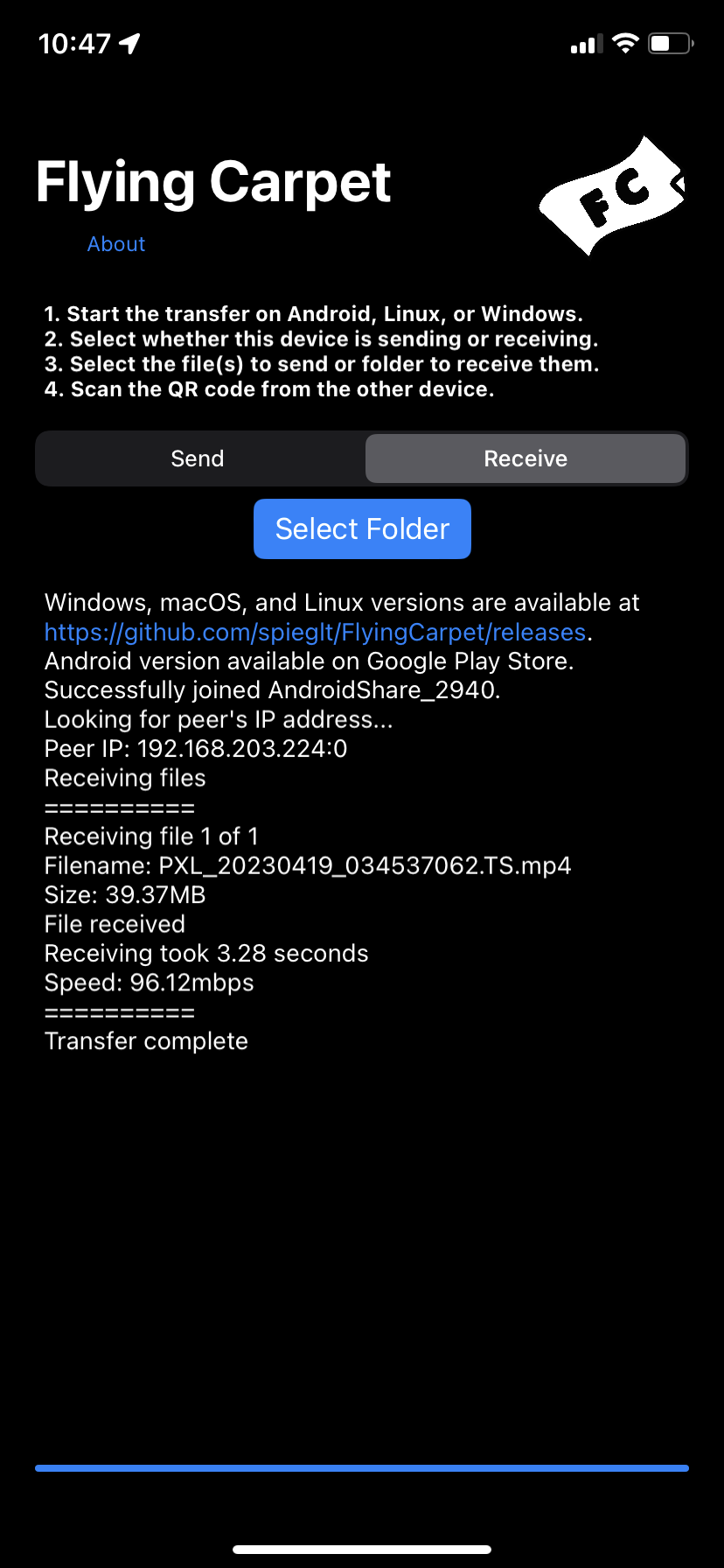
Restrictions:
Apple devices can only transfer to/from Android, Linux, and Windows as they can no longer programmatically run hotspots. Use AirDrop instead for Apple-to-Apple transfers.
Disables your wireless internet connection while in use. (Does not apply to Windows or Android when hosting the hotspot.)
macOS sometimes switches back to a wireless network with internet connectivity during particularly long transfers.
The Android version requires at least Android 11/API level 30. There is a version requiring only Android 4.4/SDK 19 on the releases page, but I’ve heard two reports of it not working and I am not able to test or debug. The Android version does not work on some Xiaomi, MIUI, or HarmonyOS devices, and possibly other Android-like OSes. I don’t own these devices and so can’t test, but it seems like this is due to lack of support for the LocalOnlyHotspot API. It has been confirmed to work on at least one Xiaomi phone.
Requires Windows 10 or later.
Planned Features
Bluetooth for connection negotiation (instead of QR code scanning or manual entry)?
Add Flying Carpet shortcut to iOS Share menu.
Questions That Could Be Asked at Some Point:
You’re using SHA-256 to derive the key from a password. Isn’t that bad? Shouldn’t you be using a Password-Based Key Derivation Function like Scrypt or Argon2? I was doing this before, but it wasn’t strictly necessary because these keys are only used during the file transfer. For an attacker to intercept the data in transit, they’d need to be on the hotspot network, which is protected by WPA2, so they’d need to shoulder-surf the password or QR code. The change was made because I couldn’t find a good Scrypt or Argon2 implementation on all platforms.
Why are you using AES-GCM at all if there’s already WPA2 then? When I started working on this project in 2017, I was trying to allow for IBSS WiFi networks on macOS that didn’t use authentication. I was using the wrong encryption (and incorrectly) then, and later I added AES-GCM because it’s the only good and official-ish AEAD implementation I could find in all of Go, Swift, Kotlin, and now Rust. If any cryptographers read this and find that I’m still being dumb, please let me know.
Questions for Hypothetical Users:
If you’ve used Flying Carpet, please send feedback to theron(@at)spiegl.dev. Thanks for your interest! Please also check out https://github.com/spieglt/cloaker, https://cloaker.mobi, and https://github.com/spieglt/whatfiles.