Home > Software > Media > Video Cutters > LosslessCut

Details
- Package ID
- lossless-cut
- Version
- 3.70.2
- Downloads
- 53913
- Website
- https://losslesscut.app/
Summary
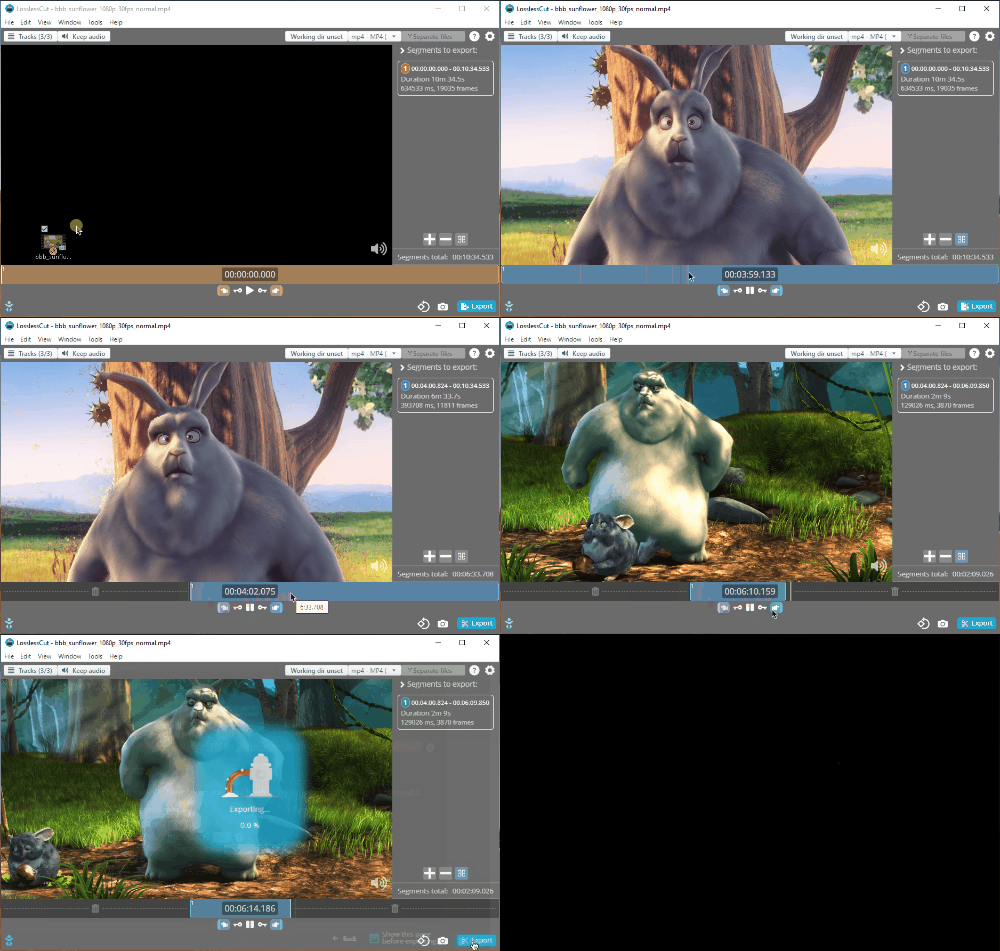
Simple and ultra fast cross platform tool for lossless trimming/cutting of video and audio files.
Description
Simple and ultra fast cross platform tool for lossless trimming/cutting of video and audio files. Great for saving space by rough cutting your large video files taken from a video camera, GoPro, drone, etc. It lets you quickly extract the good parts from your videos and discard many gigabytes of data without doing a slow re-encode and thereby losing quality. It extremely fast because it does an almost direct data copy. It uses the awesome ffmpeg (included) for doing the grunt work.
Features
- Lossless cutting of common video and audio formats
- Lossless re-merge of selected segments (for cutting out commercials etc.)
- Lossless merge of arbitrary files (with identical codecs)
- Lossless extracting of all data streams from a file (video, audio, subtitle, ++)
- Take full-resolution snapshots from videos in JPEG/PNG format
- Manual input range of cutpoints
- Can include more than 2 streams or remove audio track (optional)
- Apply a timecode offset
- Change rotation/orientation metadata in videos. Great for rotating phone videos that come out the wrong way without actually re-encoding the video.
Package Parameters
Command-line options for installer configuration:
/InstallDir:PATH/NoDesktopShortcutDo not create Desktop Shortcut/NoStartMenuShortcutDo not create Start Menu Shortcut/NoSendToShortcutDo not create Send To Shortcut/DontRegisterAppDo not register app
Examples
- Portable mode:
choco install lossless-cut --params "/InstallDir:C:\your\install\path /NoDesktopShortcut /NoStartMenuShortcut /NoSendToShortcut /DontRegisterApp"\
Default Parameters
By default, installation of this package:
- Will be installed in Chocolatey tools directory.
- Will install a Desktop shortcut.
- Will install a Start Menu shortcut.
- Will install a Sent To shortcut.
To have choco remember parameters on upgrade, be sure to set choco feature enable -n=useRememberedArgumentsForUpgrades