Home > Software > Development > Revision Management > Slik SVN - Command Line Subersion Client

Details
- Package ID
- sliksvn
- Version
- 1.14.5
- Downloads
- 89058
- Website
- https://sliksvn.com/download/
Summary
Standalone command-line Subversion client for Windows
Description
A standalone command-line Subversion client for Windows. The installer contains all command line tools (svn, svnadmin, svnsync, svnserve, svnmucc) but no application bindings nor Apache modules. The tools are fully side-by-side compatible with other packages. Ideal for build systems, deploy scripts, et cetera.
The software contained in the Slik Subversion package is “Apache Subversion”. Slik Subversion simply packages the Apache free software for easier installation.
Features
- The command line client works the same on each platform. You can use the same knowledge if you need to work on a remote system, for instance a unix system with only shell access
- Very fast and has a small memory footprint
- Often does not require modifications to the system, installation of shell hooks, et cetera
- Very simple to integrate in batch scripts, build/continuous integration systems, or other automated applications
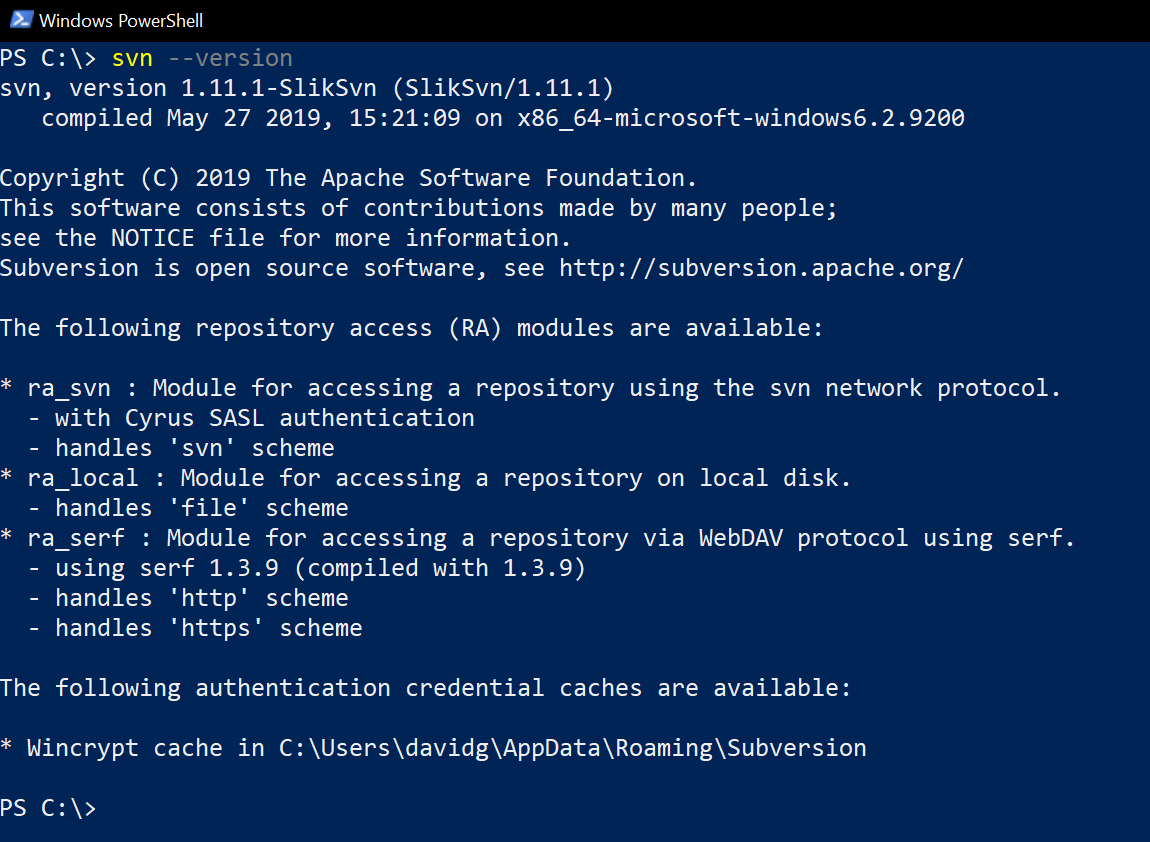 )
Package Parameters
/AddToStartMenu- add a Subversion documentation folder to the start menu e.g.choco install -y sliksvn --package-parameters="/AddToStartMenu"/InstallDir=[directory]- set the installation directory to[directory]e.g.choco install -y sliksvn --package-parameters="/InstallDir=C:\Tools\sliksvn"/AddtoPath- add the packagebinfolder to the systemPATHe.g.choco install -y sliksvn --package-parameters="/AddToPath"
Notes
- This package requires administrative access to install
- Unless the package parameter
AddToPathis passed shims will be generated for all executables in the package - This package is automatically updated using the Chocolatey Automatic Package Update Model (AU). If you find it is out of date by more than a day or two, please contact the maintainer(s) and let them know the package is no longer updating correctly.
Comments
Loading comments...