Home > Software > Development > Build > Apache Ant

Details
- Package ID
- ant
- Version
- 1.10.18
- Downloads
- 491827
- Website
- https://ant.apache.org/
Summary
Apache Ant is a Java library and command-line tool whose mission is to drive processes described in build files as targets and extension points dependent upon each other
Description
Apache Ant is a Java library and command-line tool whose mission is to drive processes described in build files as targets and extension points dependent upon each other. The main known usage of Ant is the build of Java applications. Ant supplies a number of built-in tasks allowing to compile, assemble, test and run Java applications. Ant can also be used effectively to build non Java applications, for instance C or C++ applications. More generally, Ant can be used to pilot any type of process which can be described in terms of targets and tasks.
Ant is written in Java. Users of Ant can develop their own “antlibs” containing Ant tasks and types, and are offered a large number of ready-made commercial or open-source "antlibs".
Ant is extremely flexible and does not impose coding conventions or directory layouts to the Java projects which adopt it as a build tool.
Software development projects looking for a solution combining build tool and dependency management can use Ant in combination with Apache Ivy.
The Apache Ant project is part of the Apache Software Foundation.
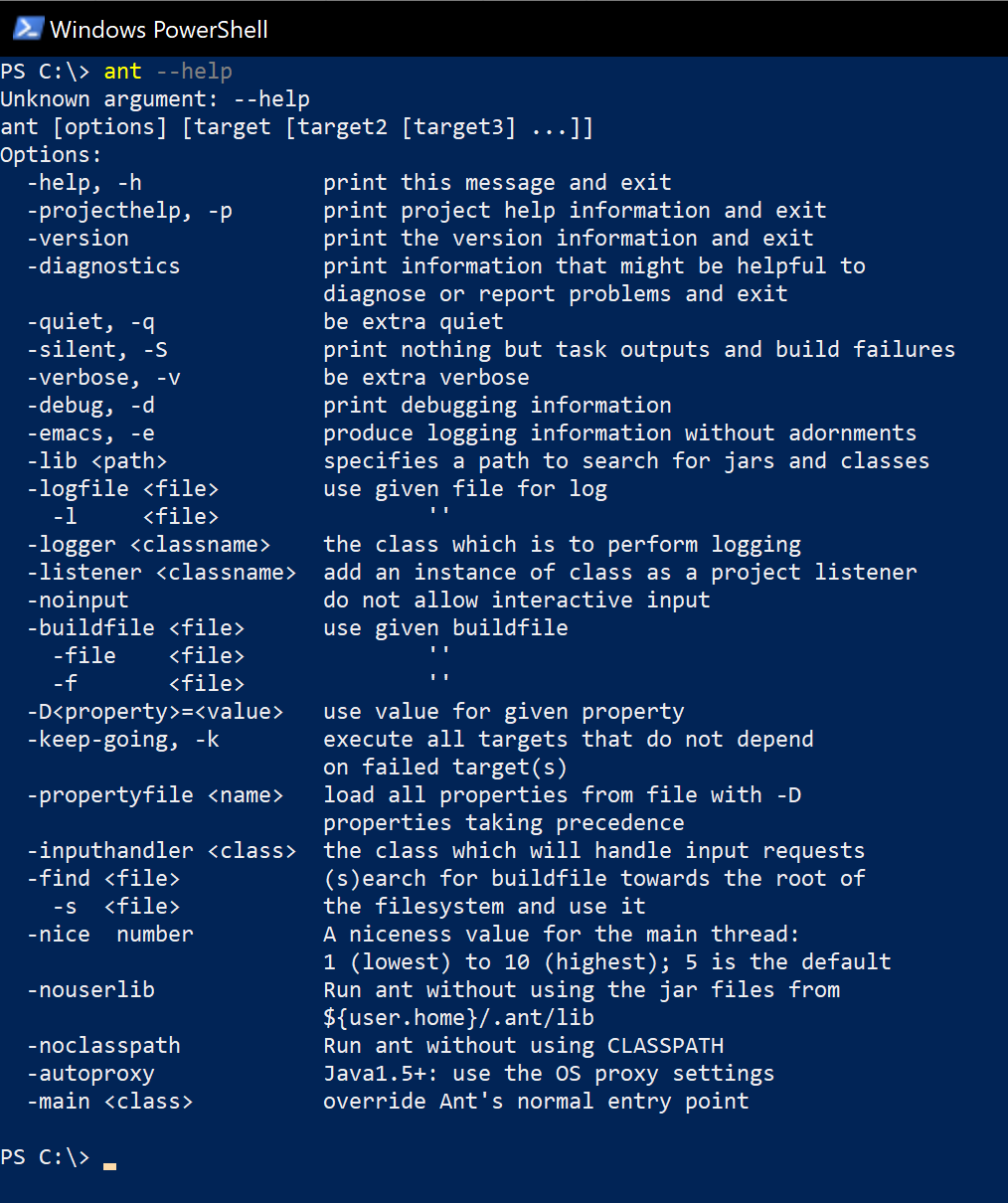
Package Parameters
/User- override the default behaviour and set theANT_HOMEenvironment variable for the current user only e.g.choco install -y ant --package-parameters="/User"
To have Chocolatey remember parameters on upgrade, be sure to set choco feature enable -n=useRememberedArgumentsForUpgrades.
Notes
- Ant requires a supported version of Java to be installed and available on the path at runtime. A minimum of Java 8 is required.
- This package is automatically updated using the Chocolatey Automatic Package Update Model (AU). If you find it is out of date by more than a day or two, please contact the maintainer(s) and let them know the package is no longer updating correctly.